
FORT WORTH / DALLAS · OTHER LOCATIONS BY REVIEW
HELIUM WI-FI · TX HIFI
Better connections.
At your business.
Explore automatic Wi-Fi connectivity for eligible customers at cafés, shops, gyms and other busy venues.
Check My Address for HostingSee the Business BenefitsTalk with TXHIFICall TXHIFI · (817) 203-4589BUSINESS BENEFITS
Better connections. A better customer experience.
Explore how Helium Wi-Fi can help eligible customers stay connected, support your digital services and create potential hosting income. Read the research and real business examples.
Start here: hosting basics
- What does it do?
- It lets participating mobile providers move eligible phone data onto Wi-Fi at your business. Compatible phones can connect automatically.
- Could my property qualify?
- Cafés, shops, gyms and other venues with customer traffic may be suitable. TXHIFI reviews your address, internet connection and coverage needs.
- What would I provide?
- Reliable broadband, electricity, a suitable equipment location and the property owner’s permission.
- How do I get started?
- Request a location review or email TXHIFI your business address. Equipment, costs, support and possible payments are discussed before you agree.
HELIUM WI-FI CARRIER OFFLOADING
Help customers connect.
Skip the password hunt.
Designed for the places people visit, gather and spend time.
Carrier offloading lets participating mobile providers move eligible phone data onto a Wi-Fi network.
With the right setup, compatible phones can connect automatically through Passpoint technology. Customers don’t need to ask for a guest Wi-Fi password each time.
TX HIFI can discuss your venue, broadband connection and equipment options to explore a suitable installation.
Ask about your businessWHAT WE’LL LOOK AT
A venue people actually use.
- Customer foot traffic and where people spend time
- Reliable broadband internet and power
- Hotspot placement and coverage needs
- Compatible equipment and network configuration
Automatic access depends on participating carriers, phone compatibility and provisioning. Paid offload selection and earnings are not guaranteed.
What hosting involves
Better connectivity and potential income. Host payments depend on eligible traffic, program terms and your TXHIFI hosting arrangement. Earnings are not guaranteed.
You provide
- Reliable broadband internet and power.
- A suitable location where customers spend time.
- The property owner’s permission to install equipment.
TXHIFI helps with
- Reviewing your venue and coverage needs.
- Choosing placement and assessing equipment and configuration.
- Explaining installation, support, costs and potential payments before you agree.
Complete a short inquiry with your address and contact details. TXHIFI will review eligibility and email you before proposing an installation.
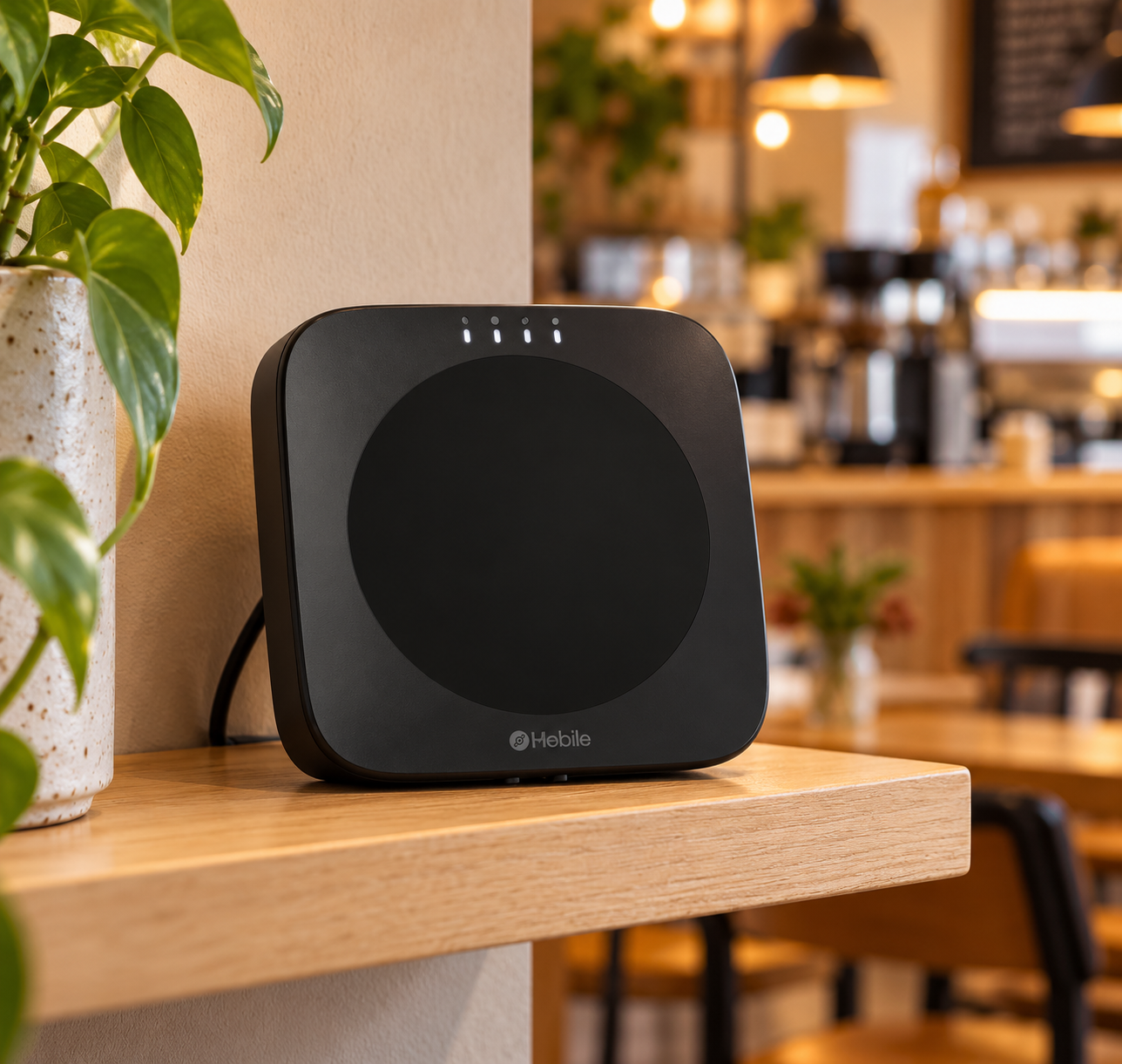
Helium Indoor Hotspot
Illustrative installation example.
Explore placement inside customer-facing venues such as cafés, shops and gyms.
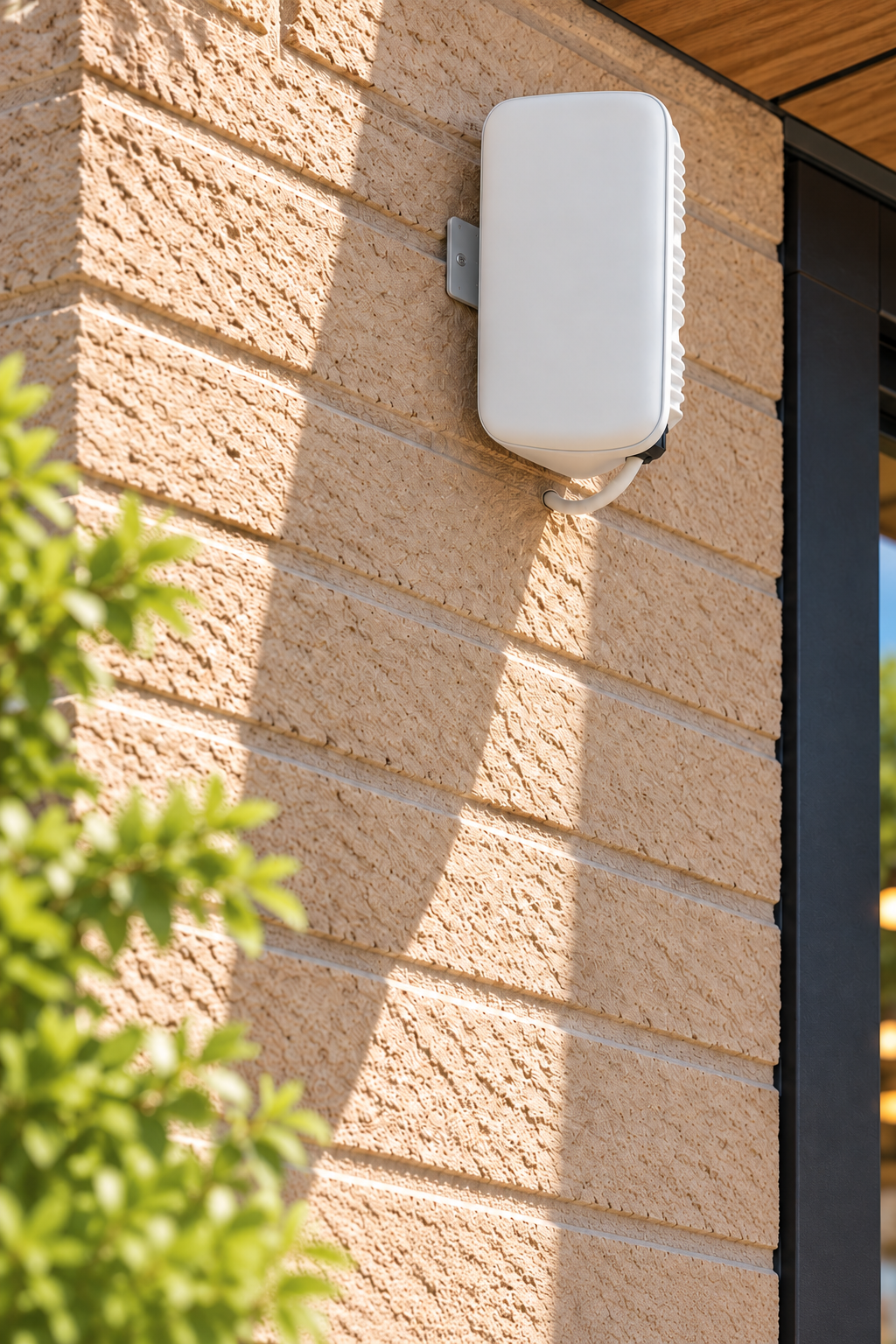
Helium Outdoor Hotspot
Illustrative installation example.
Explore coverage for outdoor gathering areas, plazas and other busy spaces.
YOUR HOSTING JOURNEY
From your address to an active host
You’ll work directly with Aaron Green. We’ll review your address and eligibility, then agree on the next steps with you.
- 01
Share your address
Tell us about the property, your contact details and whether you own or manage it.
- 02
Review the location
We review customer traffic, broadband, power, equipment and placement.
- 03
Confirm owner approval
The property owner or an authorized representative must approve installation.
- 04
Review and sign
Agree on payments, costs, access, support and removal before signing.
- 05
Confirm equipment and installation
Confirm equipment availability and an installation or shipment plan before scheduling.
- 06
Activate and begin hosting
Complete setup and confirm operation. Host payments follow your agreement and applicable eligible usage; earnings vary.
Timing depends on equipment availability, venue readiness and network setup. Larger venues or an existing-network conversion may need a separate technical assessment before an installation plan can be confirmed.
What am I agreeing to?
These are the topics we will review together. Your signed agreement sets the terms for your location.
Payments and your start date
Confirm your host payment amount or calculation, qualifying conditions, start date, payment schedule and what happens during downtime. Payments depend on your hosting arrangement and eligible activity; a fixed monthly income is not promised.
Power, internet and costs
Review electricity costs, any agreed reimbursement, equipment and installation charges, and who supplies each item. Confirm the broadband connection, capacity and ongoing internet costs.
Installation, access and support
Agree on placement, who installs the equipment, permission to access it, maintenance responsibilities and how to report a problem. Discuss any contractor arrangements before work starts.
Ending hosting and removing equipment
Confirm notice requirements, equipment ownership, who arranges removal, responsibility for mounting repairs and any final payment or return conditions.
Sample Host Results
Two fictional businesses. A six-month scenario you can explore. Simulated data—not actual results or guaranteed earnings.
BEFORE YOU HOST
A few good questions.
Does Helium work with every customer’s phone?
Access depends on a participating mobile provider and a compatible, properly provisioned phone. Carrier offloading is not universal access for every device.
Can my existing Wi-Fi equipment be used?
Some Passpoint-capable networks can be configured for Helium. TX HIFI can discuss your hardware and setup; conversion availability and carrier participation must be reviewed.
What happens to my existing Wi-Fi?
Helium’s converted-network configurations can be added alongside existing Wi-Fi names. The appropriate setup depends on your hardware, capacity and security needs. Read the conversion guide.
Are earnings guaranteed?
No. Rewards depend on eligible traffic and program rules. Participating carriers decide which deployments they select for paid offloading.
What costs should I plan for?
Helium Wi-Fi needs reliable power and venue broadband. Discuss equipment, installation and any proposed hosting arrangement with TXHIFI before committing.
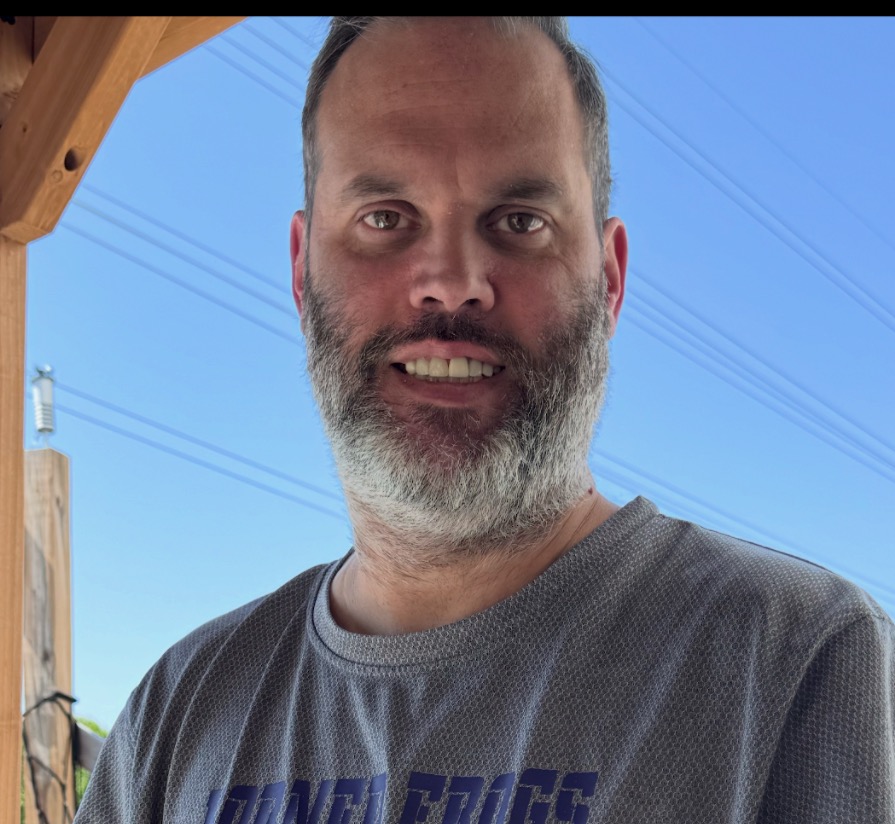
YOUR LOCAL CONTACT
Hi, I’m Aaron Green.
Hi, I’m Aaron Green, the founder of TX HIFI and a lifelong Fort Worth area resident.
I’m a registered nurse with more than 17 years of experience and a graduate of Texas Christian University. My nursing career has shaped how I work with people: listen carefully, explain things clearly, and follow through.
I started TX HIFI to bring my interest in technology into the community I call home. My work includes Helium Wi-Fi and FliteGrid hosting. I help business owners and property owners explore ways to support growing networks, improve connectivity, and potentially earn hosting income.
My approach is straightforward and personal. I want you to understand what the equipment does, what hosting involves, and whether it makes sense for your location. When you contact TX HIFI, you’re talking directly with me.
Based in the Fort Worth–Dallas area, I’m proud to help connect local people and places with new technology opportunities.
OFFICIAL PROGRAM INFORMATION
Program information reviewed October 7, 2026. Confirm current terms and your TX HIFI arrangement before committing.